Bring your customer and pet records with you
24 August 2026 · 4 min read
You shouldn't have to retype years of customer details to change software. Check what can move, what stays in your old system and how to prepare your export.
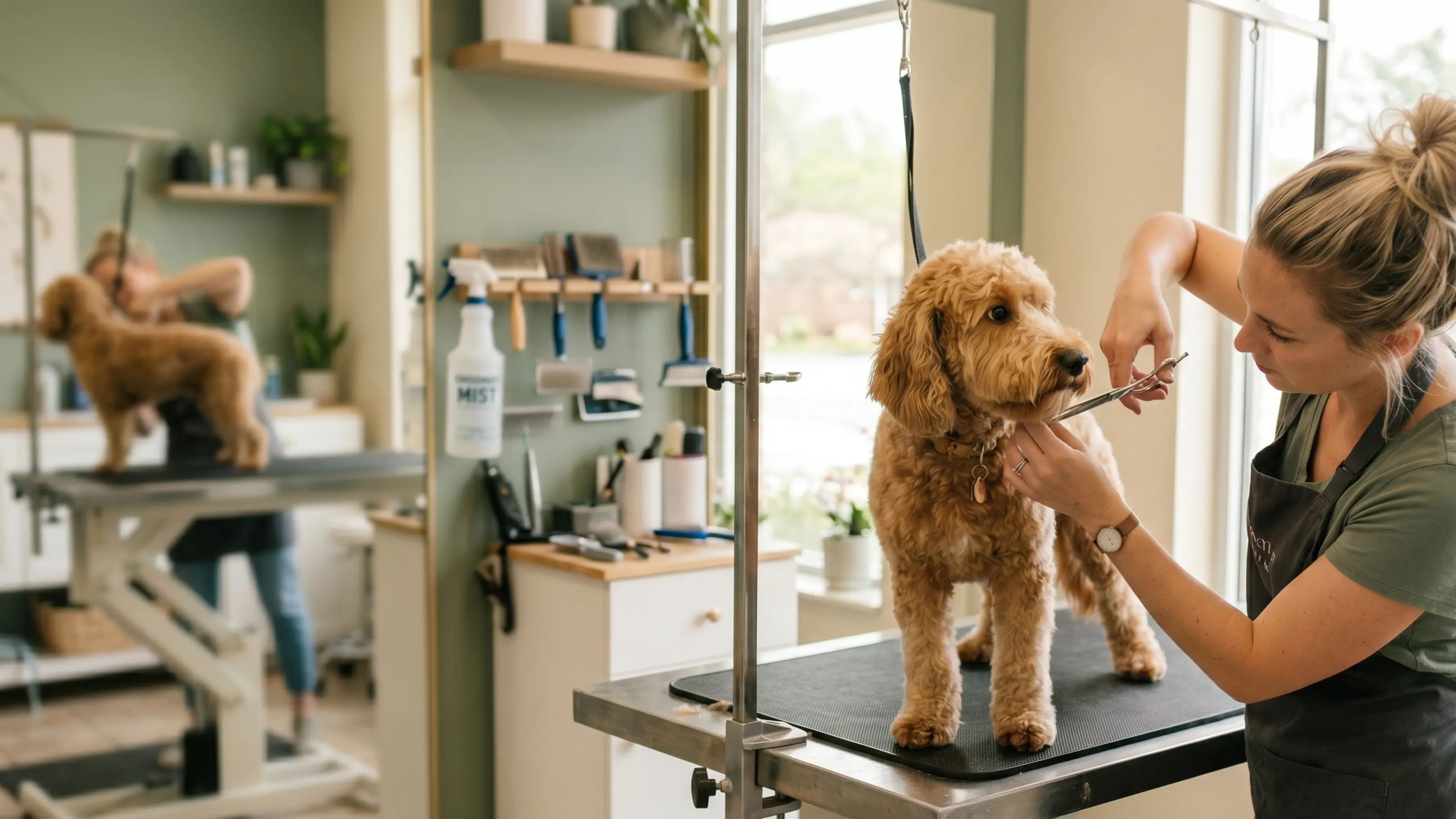
You export. We import. Export the records from your current account. Upload them in Seglo, and the team will prepare and check the import with you.
What we move
Bring the everyday records your team needs for upcoming grooms.
- Customers·Name, phone, email, address, and the notes on the file.
- Pets·Name, breed, date of birth or age, sex, weight, notes, and which pet belongs to which owner.
- Staff·Names and basic contact details.
- Services·Name, how long it runs, what it costs.
- Upcoming appointments·Future bookings from your export, checked before you start using the new diary.
- Past appointments·Up to three years of visit dates, services and staff details from your export. Historical payment amounts are not included in this promise.
- Notes·Plain text, on the client and on the pet, carried across as written.
Keep the pet notes your team relies on
Your notes may explain which clippers a dog tolerates or what worked last time. Bring those plain-text notes across so your next groomer can find them.
Customer and pet notes are carried across as written.
Flag money customers have already paid
Tell the team about gift cards, loyalty balances and deposits on future bookings. Check these against the export before you start taking payments in the new diary.
- Gift card balances·The card, what is left on it, and when it expires. Somebody paid you for that already.
- Loyalty points and tier·Two years of stamps do not reset because you changed software.
- Deposits already paid on a future booking·The booking comes across carrying what they have already handed over, so nobody gets asked for it twice on the day.
If a customer has already paid $50 towards a future visit, your team needs to see that at pickup so they don't ask for it again.
List outstanding balances before the import so you can check them with the team.
What we do not move
These items are not included in the standard import. Check the list before moving so you can keep access to anything your shop still needs.
- Custom fields your old software invented·Custom fields may not have a matching field in Seglo. Tell the team which ones your shop relies on.
- Invoices, payments and transaction ledgers·Past financial transactions are not part of this import. Keep access to your old records and accounting system.
- Marketing history, audit logs and deleted records·These remain in your old system; retain access if you need them.
- Internal IDs from the old system·Old system IDs are not imported as your new customer or pet record IDs.
- Memberships, prepaid packages and store credit·These are not included in the standard import. Tell the team about remaining visits and credit before moving, so you can agree how to handle them.
- Photos and attachments·They stay where they were taken.
- Anything Seglo has no place to keep·Ask about any other records you rely on before choosing your move date.
Keep access to your old system for invoices, photos and other records outside the import. Decide how long you need them before cancelling that account.
Who does which half
Export your customers, pets, services and bookings from your current account. If you can't find the export option, ask the team for help.
Upload the file in your Seglo account. The team maps the customer and pet records, checks duplicates and missing details, and reviews the result with you before you use the new diary. There is no migration charge.
How long it takes
One to two days from the moment your export reaches us, and most finish inside twenty-four hours.
Prepare the export first. The migration timing starts when the team receives the file.
If your shop is not on the list
If you have memberships, older records or locations on different systems, tell the team before moving. Check what can be brought across before you choose a start date.
Already on Square? That one imports itself, and both systems run side by side until you say go.
How the move starts
Start a 14-day trial with no credit card. Add your locations, services and team so the imported records can be matched to your shop.
Open the import in Settings and upload your export there. The team will help check the records before you start using them.
Open the account.
Bring the files after.
Try it for 14 days. No credit card required.
Rather talk it through first
Tell us where you are now and somebody here will work out what comes across before you commit to anything.