Clock in and timesheets
Clock in by phone, kiosk or tag.
Staff clock in when they arrive. The hours go to the timesheet and into pay.
Choose how each location clocks in.
- StellaIn 8:58Tag
- AvaIn 9:07Phone
- MiaDue 10:00Not in yet
Clocking in
Choose how your team clocks in at each location.
Turn on one way or several. The examples follow one Thursday at a salon with four staff.

Set once, for each location
Let staff clock in on their phone, the kiosk or a tag by the door.
Pick the methods each location allows, and change them for one person if you need to. Someone who doesn’t clock in can be set to Doesn’t clock in, paid from the roster.
Fern Street · Clock-in methods
8:58 am · Stella arrives
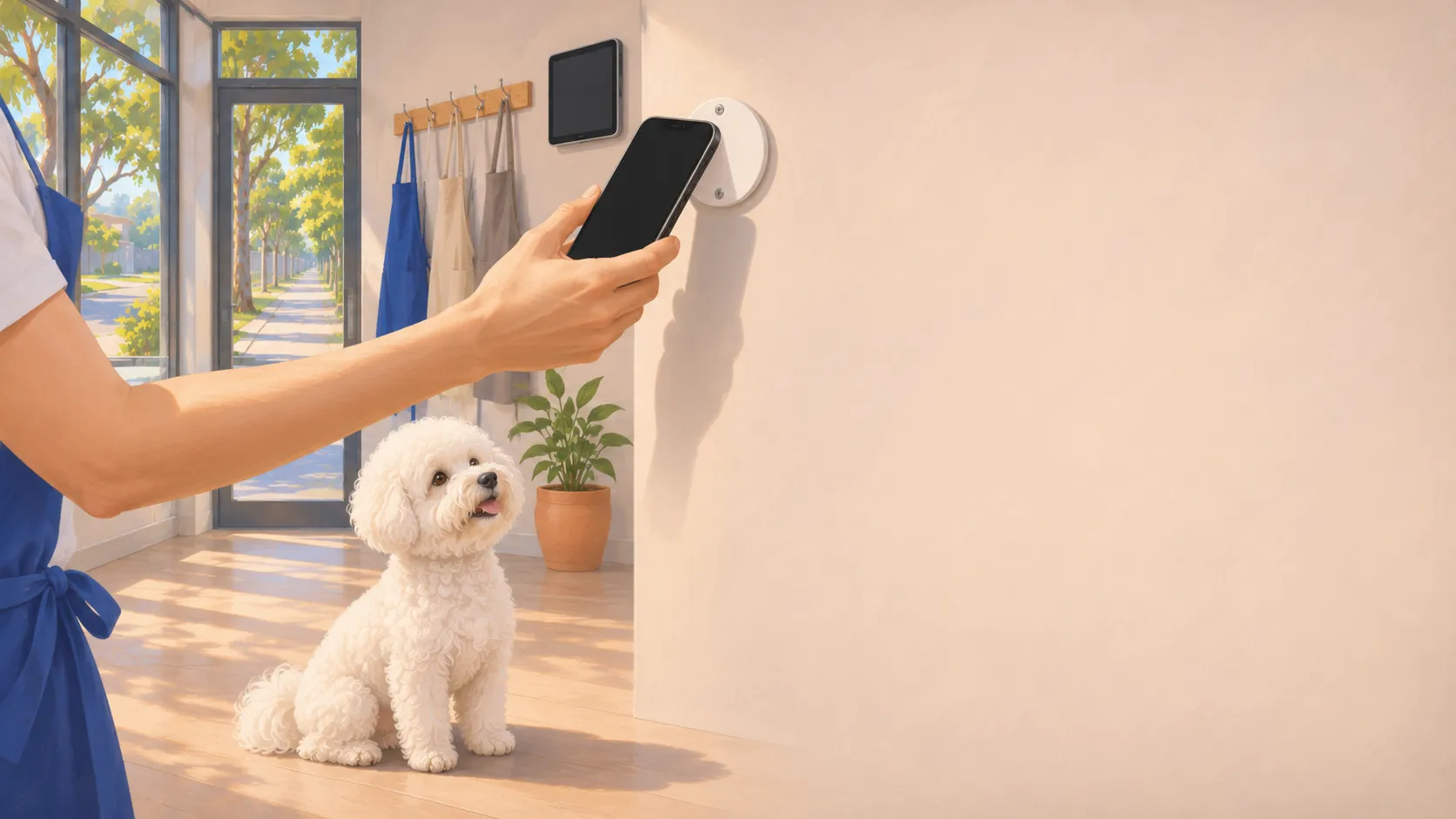
Stick a tag by the door. Staff tap their phone on it to clock in.
Add a tag in Seglo, name it and choose its location, then write the link to it from your phone. Staff hold their phone to the tag to clock in, start a break or clock out.
- Name
- Back door
- Location
- Fern Street
Any writable NFC tag works.
Fern Street
Clocked in at 8:58 am
Shift 9:00 am – 5:00 pm
At the counter, all day
Turn a counter iPad into a kiosk your team shares.
Any signed-in device can become a kiosk, in the iPad app or a browser. Your team uses it to book, check requests, message customers, chat in the Everyone team chat and clock in.
The kiosk is for staff. It takes a login to leave kiosk mode, and customers don’t use it to check in or book.
- Book
- Requests
- Clients
- Front desk
- Team chat
- Timesheet
- Waitlist
- Price list
- Invoices
Who’s working
- StellaWorking since 8:58
- AvaWorking since 9:07
- MiaClock in
Kiosk settings
Choose what the kiosk can do with the same permissions you give staff. Lost a device? Cut it off from the devices list.
Set in Pay settings
Set the break your team takes, at any time or at a fixed time.
Choose no break, a required break or an optional break, and how long it is. Staff tap Start break when it suits, or the break sits at a fixed time in the calendar.
Set one break for the business, then change it for one person if needed.
Break
When
- Length
- 30 minutes
Fixed time?
The calendar is blocked for the break, so nobody books into it.
Ava’s split day
Clock in and out more than once a day. Seglo reminds anyone who forgets.
Staff can clock in and out several times in one day. If someone is still clocked in 30 minutes after their shift was due to end, Seglo sends them a reminder.
5:30 pm · Seglo
Still clocked in?
Your shift ended at 5:00 pm.
From hours to pay
Check the hours, then pay from the same records.
Every clock-in lands on the timesheet with how it was made. You fix what’s missing before it reaches pay.
Thursday, 10:05 am
See who is in, who is late and how each person clocked in.
Each row shows the rostered time, the actual time and how the person clocked in: phone, kiosk, tag or a manager. A late start of more than five minutes is flagged.
| Person | Scheduled | Actual | How | Status |
|---|---|---|---|---|
| Stella | 9:00 | 8:58 | Tag | Working |
| Ava | 9:00 | 9:077 min late | Phone | Working |
| Mia | 10:00 | — | — | Available |
| Jade | 8:00 | 8:00 | Manager | Finished |
Missed a clock-out?
Edit times
Or choose Use Scheduled Times to fill in the rostered hours.
Closing the day
Confirm the day’s hours before they go into pay.
Timesheet hours flow into each pay period. Fix missing clock-outs and confirm the hours when you settle the day.
A pay period can’t be finalised while a clock-out is missing.
- Stella
- 8.0 h
- Ava
- 6.5 h
- Mia
- Missing clock-out
Pay period
1 incomplete clock-out
Fix it before you finalise pay.
Questions owners ask about clocking in.
Do clock-in and timesheets cost extra?
No. Clock-in, timesheets, leave requests, rosters and the pay calculator are included, and your first location is free.
What if someone forgets to clock out?
Seglo sends them a reminder 30 minutes after their shift was due to end. If the clock-out is still missing, a manager opens Edit times and sets it, or chooses Use Scheduled Times. A pay period can’t be finalised while a clock-out is missing.
Do I need special NFC tags?
No. Any writable NFC tag works. Add the tag in Seglo, name it, choose the location, then write the link to the tag with your phone.
Can staff clock in from home?
Only if you allow it. You choose the clock-in methods for each location: their own phone, the shared kiosk or a tag at the salon. You can change the methods for one person.
Does everyone have to clock in?
No. Set a person to Doesn’t clock in and they are paid from their rostered hours instead.
How do breaks work?
Choose no break, a required break or an optional break, at any time or at a fixed time, and how long it is. Staff tap Start break, and pay deducts the break according to your setting. You can set a different break for one person.
Can customers use the kiosk?
No. The kiosk is a shared device for your team at the counter. Customers don’t check themselves in or book on it.
Set up clock-in for your salon.
Choose how your team clocks in, set your breaks, and let the hours flow into pay.