All Phone updates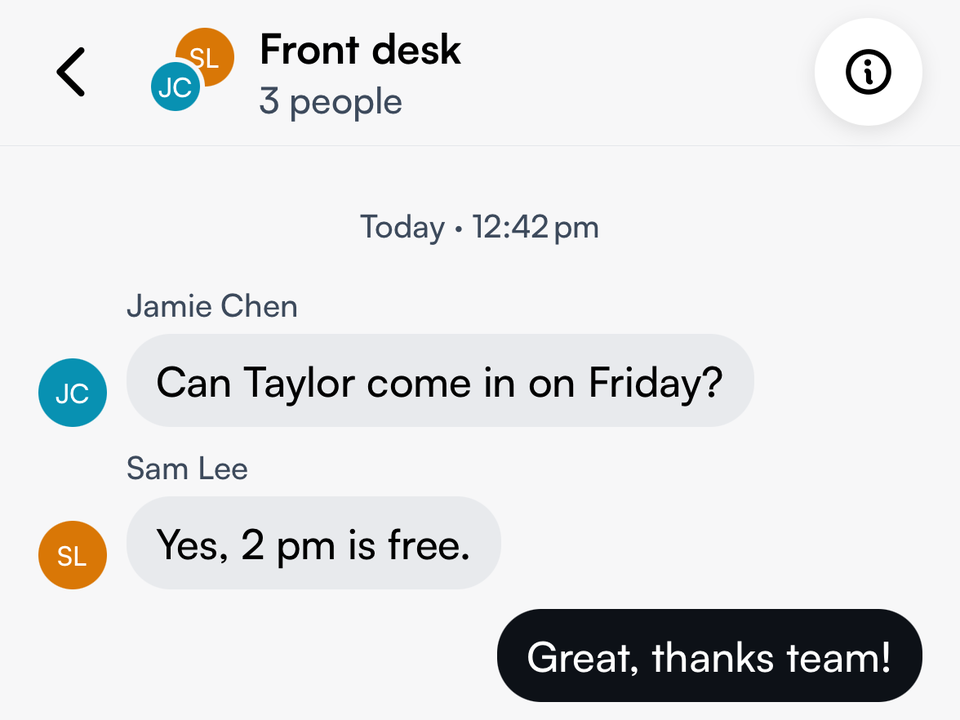
Phone3.0.0
Team chat, shared follow-up and call recording
Message your team, hand customer requests to the right person and keep recordings of your calls.
Message your team
- Start a direct chat or a group conversation.
- Share photos and files in Seglo Phone.
Hand customer requests to a teammate
- Take a request, hand it over or mark it done.
- Add a handover note that stays inside your team.
Available on
- iOS 3.0.0 and later
More in this release
Calls
- Record calls and choose the notice callers hear. Turn it on in Phone settings → Call handling → Call recording.
- Play, download or delete a recording from the call page.
- Calls answered by your AI Receptionist show an AI mark in Recents and open the same call page, with the conversation.
- Call details stay at the top of the call page. Open the full conversation on its own page.
Messages
- Pin up to 5 team or customer chats to the top. Touch and hold a chat to pin it.
- See where each customer request starts, and who marked it done.
- Turn team assignment on or off in More → Team inbox.
- A photo that's still arriving, or didn't come through, now says so.
Callbacks
- Swipe a callback right to mark it handled, or tap Mark as handled at the top of the callback.
- The Callbacks badge stays until each callback is handled.
Team and profile
- Edit your photo, name and phone number from the top of More.
- Phone access shows who can use Seglo Phone. Give access back to someone you removed, or sign out one of their devices.
- Managers can see Team activity.
Settings
- Choose one number to call and text from. Set ringing and call handling for each location.
- More is grouped by task, so settings are easier to find.