Drop-off setups for grooming
Choose drop-off windows and cleanup gaps for solo grooming, scheduled arrivals or a team of groomers.
Updated 14 September 2026
Choose how early customers can bring their pets and how much cleanup time you need between grooms. Start with the arrangement that suits your shop, then adjust it to the waiting space and staff you actually have.
The controls are under Booking settings → Scheduling. Your shop must already use drop-off scheduling for Earliest drop-off to appear. There is no Service Model switch on this page.
Open in app: Booking settings
Accept morning drop-offs while you groom through the day
A wide arrival window can suit customers who drop off before work, provided your shop can comfortably hold pets until their service starts.
- Open Scheduling → Earliest drop-off.
- Choose Any time after we open, then Save. Choose 4 hours before instead if you want to limit how early a pet can arrive.
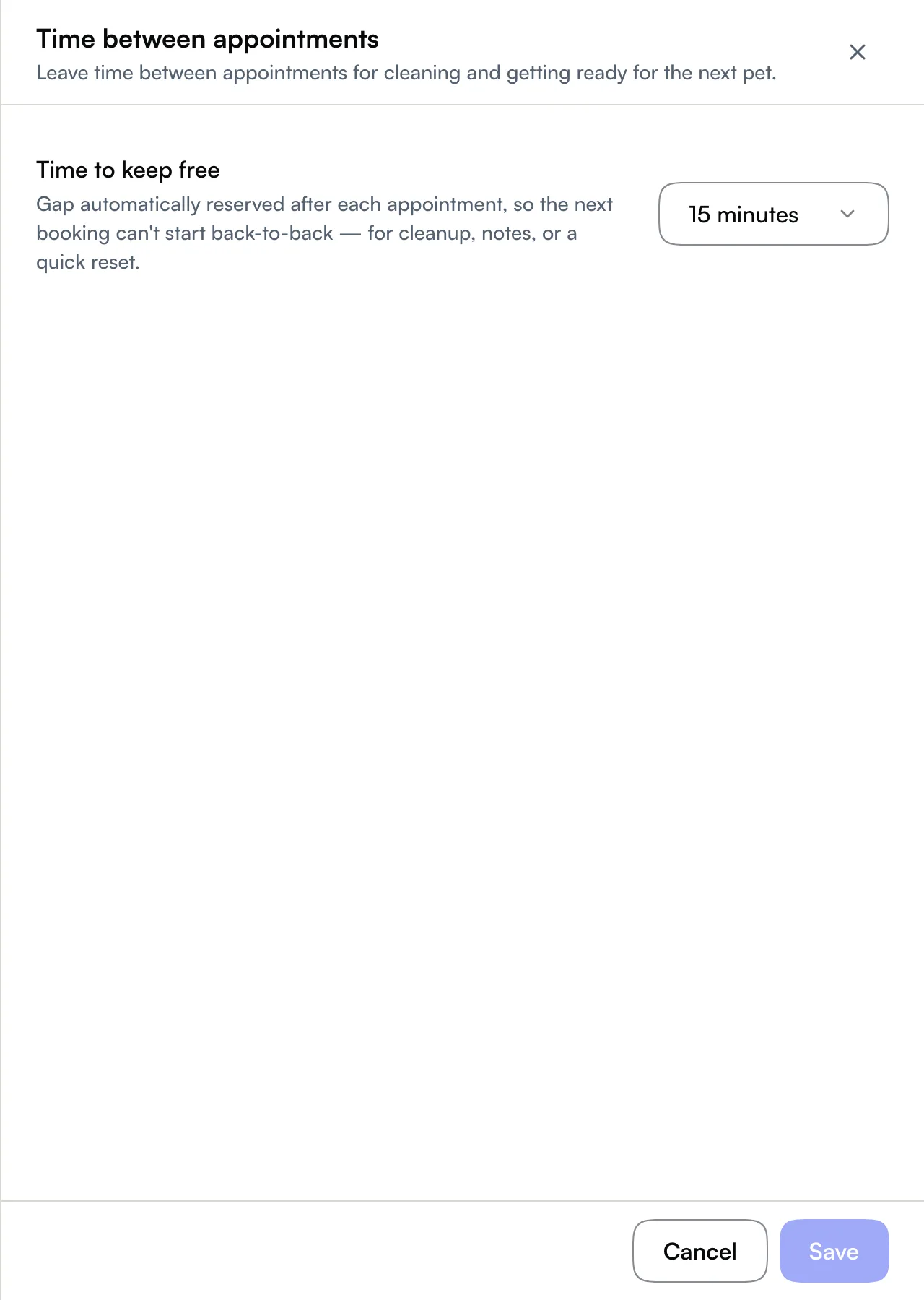
- Open Time between appointments, choose the Time to keep free for cleanup, then Save separately.
An early arrival can mean a longer wait. The customer sees an estimated ready time with each drop-off option; an early drop-off does not promise an early finish. See Drop-off scheduling.
Keep arrivals close to each pet's service
Use a tighter window when you have limited holding space or prefer to start each pet soon after arrival.
- Open Scheduling → Earliest drop-off.
- Choose Just before service, then Save. 1 hour before gives customers more flexibility if you can accommodate a short wait.
- Set cleanup time separately under Time between appointments → Time to keep free, then Save.
Customers see drop-off times close to the scheduled service start. A tighter window can mean fewer choices online; widening the window allows earlier arrivals, without shortening the groom itself.
Leave cleanup time for a team of groomers
Choose the arrival window your waiting area can support. Having more groomers does not guarantee that every pet can start immediately.
Open Scheduling → Time between appointments, set Time to keep free to the gap needed for cleaning and preparing for the next pet, then Save. Choose No buffer only when you do not need that reserved gap.
Use Booking start times → Start time spacing to change how many arrival times customers see. This is a separate setting and does not reserve cleanup time. See Drop-off timing controls for a worked example.
Check the result before changing another control
Review the times offered on your booking page after saving. If there are too few choices, check the arrival window and start time spacing. If you need a real break between services, change the cleanup gap.
These timing changes affect availability for new bookings. They do not move appointments already on your calendar.
Related
- Earliest drop-off — compare the five arrival-window choices.
- Drop-off scheduling — understand estimated ready times.
- Drop-off timing controls — compare arrival windows, spacing and cleanup gaps.
- Appointment settings — find booking rules and visit workflow settings.
Related