More features
See which Seglo features your business doesn't have yet, what each one does, and how to add it, in one place instead of locked menu items.
Updated 2 October 2026
A menu item you remember isn't there, or you've heard Seglo can do something your account doesn't show. Seglo doesn't fill your sidebar with locked items. Anything your plan doesn't include is listed on one page, More features, with what it does and how to add it.
Open in app: More features
Open More features (web app)
Click More features at the bottom of the left sidebar, above Support. It's always there. You can also click the More features button beside the search on the Settings page.
The Seglo appointment app and the Seglo Phone app don't have this page.
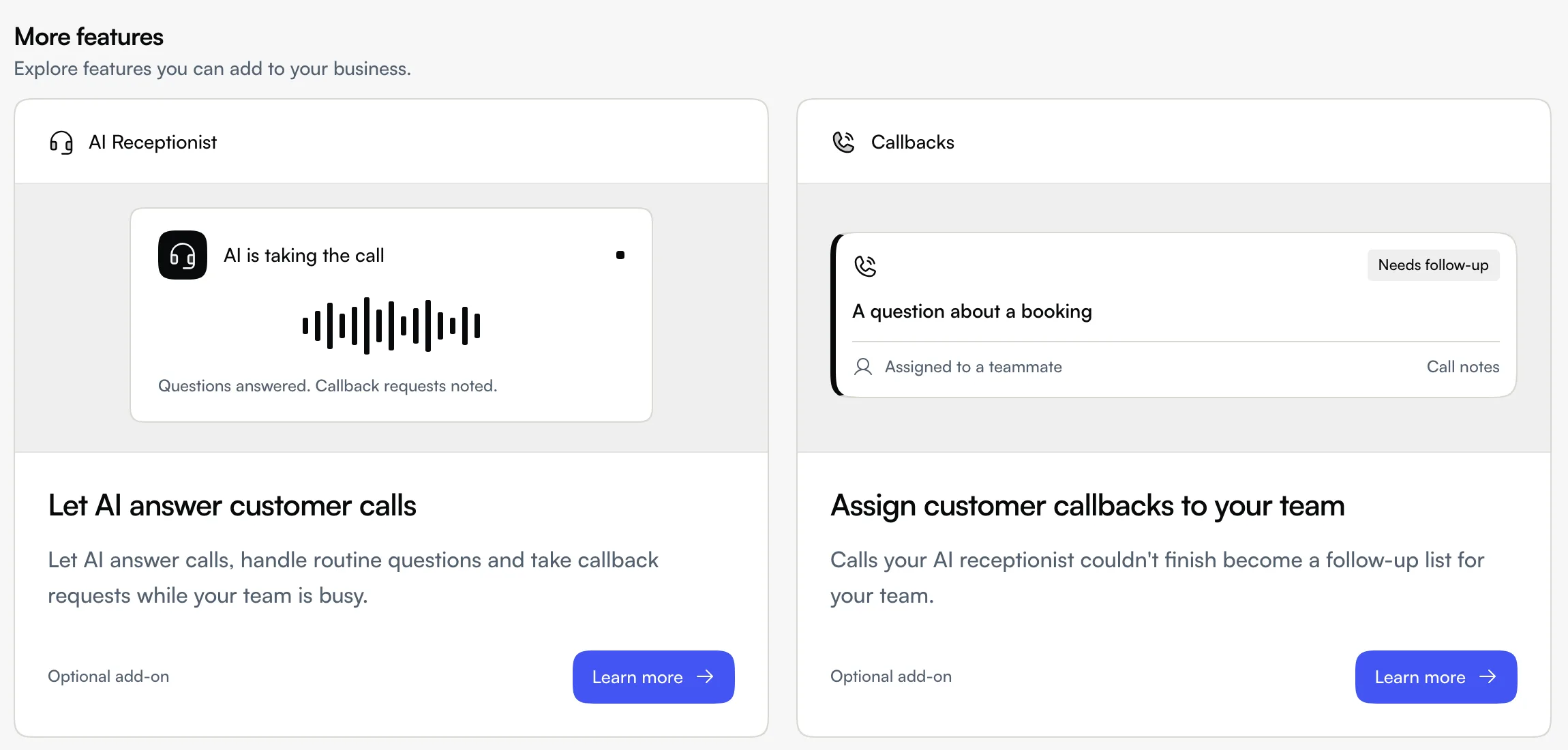
Find a feature that isn't in your plan
The page only lists features your business doesn't have yet. Each card shows what the feature lets you do and how you'd get it:
- Plan upgrade: comes with a higher Bookings plan, such as Reports, Intake forms, Timesheets, Leave or Xero sync.
- Optional add-on: added on top of your plan, such as AI Receptionist.
- Separate subscription: a product of its own. That's Seglo Phone, or Seglo Bookings if you started with Seglo Phone.
Click a card, or Learn more, to open its introduction. The plan line says which plan includes it (for example "Included in Growth and above"). The button takes you to the right page under Subscription to add it.
If the page says No extra features to show right now, your business already has everything on the list.
Why a menu item or setting disappeared
Pages your plan doesn't include are hidden from the sidebar and from the Settings page, so you only see what you can use. For example, on the Free plan the Payments item and the booking reports don't show. If every page in a menu is locked, the whole menu is hidden.
If you follow an old link or bookmark to a locked page, Seglo shows what the feature is and an Upgrade button instead of the page.
Callbacks work the same way: they come with AI Receptionist, so without it Callbacks is listed here rather than in the sidebar. See Callbacks.
When you can't add it yourself
Only people who can manage the Seglo subscription (the business owner, by default) see the button to add a feature. Everyone else sees "Ask your business owner about access to this feature."
Tips
- Started with Seglo Phone? Booking features like Grooming Care and Online payments aren't listed until you add Bookings. Look for the Seglo Bookings card.
- Not every feature has a card. If you can't find something here or in the sidebar, search the help centre or ask support.
Related
- Subscription plan and upgrades: what each plan and product includes.
- Getting started: choosing Bookings or Seglo Phone first.
- AI receptionist setup: set up the AI receptionist once it's added.
Related